

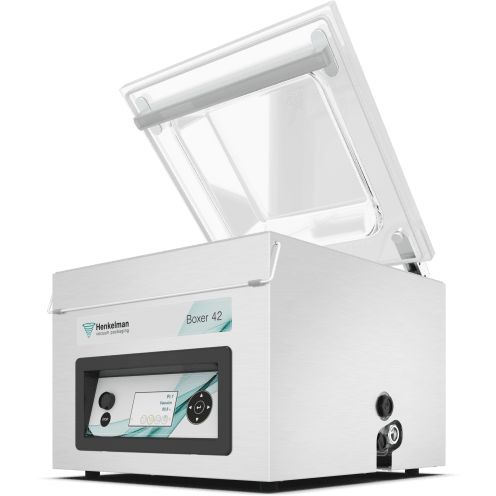
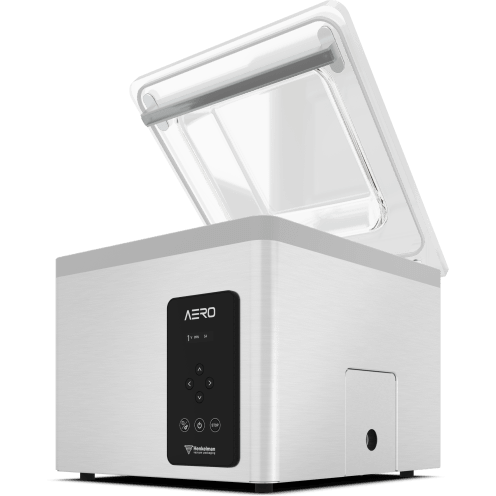
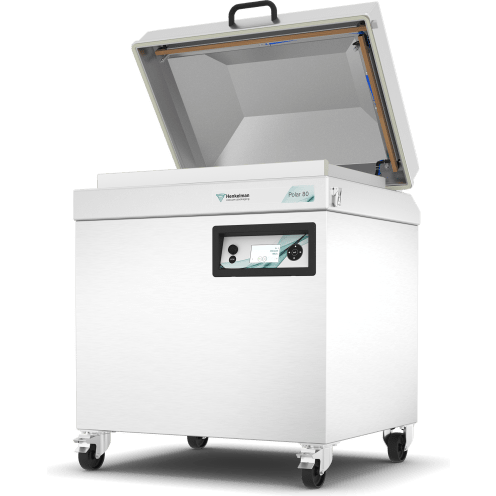

Regular maintenance is the key to a high-performing vacuum sealer, and the pump cleaning cycle is one of the most important routines for your Henkelman machine. This cycle helps maintain the quality of the pump oil by removing moisture and contaminants that accumulate during daily use.
In this video, we walk you through the simple process of initiating the cleaning cycle. By running this 15-minute program regularly, you introduce heat into the vacuum pump, ensuring the oil remains effective and the machine continues to pull a deep vacuum every time.
Key Takeaways:
- Simple Initiation: Easily start the process by pressing the dedicated ‘Cleaning’ button; look for the “C” on the display.
- Automated Maintenance: The machine runs a continuous 15-minute cycle, automatically venting the chamber to flush out impurities.
- Oil Longevity: Introducing heat is critical for tabletop models to prevent oil degradation.
- Flexible Control: You can stop the cycle at any time if you need to resume packaging, simply by pressing the ‘Stop’ button.
- Cycle Tracking: Understand that only full 15-minute cycles are logged in the machine’s service history for maintenance tracking.